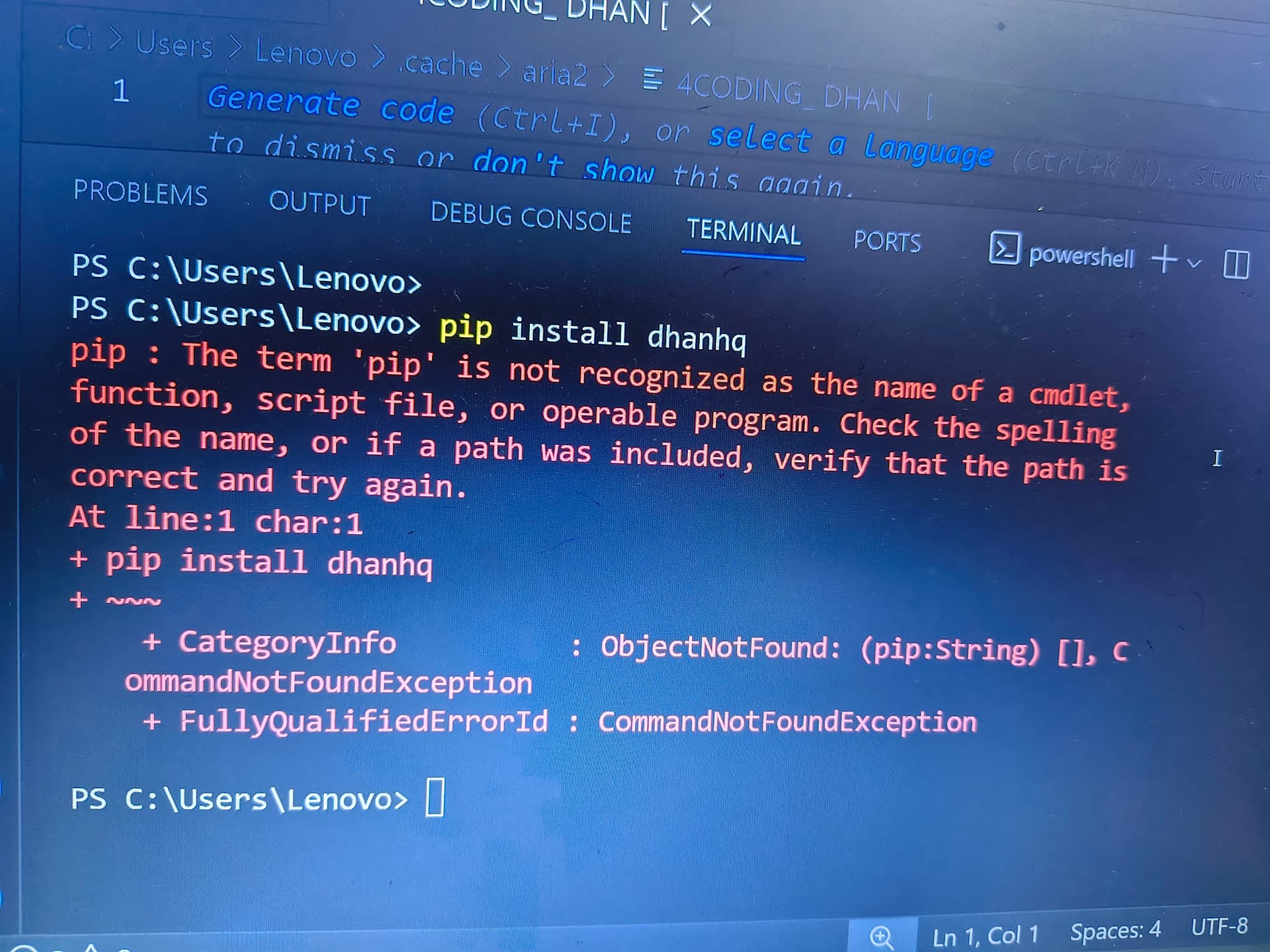
You would need to install install required binaries first.
Make sure to follow the instructions given in the tutorial.
High-level steps:
Method 1: Install pip with Python
- Download and install Python: Go to the official Python website and download the latest version of Python for Windows.
- Check the box to add Python to PATH: During the installation process, make sure to check the box that says “Add Python X.X to PATH” (where X.X is the version of Python you’re installing).
- Verify pip installation: Once Python is installed, open a Command Prompt or PowerShell as an administrator and type:
pip --version
Method 2: Install pip separately (if Python is already installed)
- Open Command Prompt or PowerShell as administrator: Right-click on the Start button and select “Command Prompt (Admin)” or “Windows PowerShell (Admin)”.
- Navigate to the Python Scripts directory: Type
cd C:\PythonXX\Scripts(replaceXXwith your Python version, e.g.,39for Python 3.9). - Run the pip installation script: Type
python -m ensurepipto install pip.
Verify pip installation
- Check pip version: Type
pip --versionto verify that pip is installed correctly. - Upgrade pip (optional): Type
python -m pip install --upgrade pipto ensure you have the latest version of pip.
1 Like